SPECTORA VS. THE COMPETITION
What Home Inspectors Should Know

FEATURE COMPARISON
Spectora vs. Other Home Inspection Software
This checklist breaks down the features that impact your day-to-day work—from report writing to automation to mobile access—and shows how Spectora stacks up where it matters most. (Click a button to compare one-to-one.)
- HomeGauge
- HIP
- PalmTech
- Tap Inspect
- ISN
- Scribeware
- Inspector Toolbelt
Fully supported Partially supported Not supported
| Spectora | HomeGauge | HIP | PalmTech | Tap Inspect | ISN | Scribeware | Inspector Toolbelt | |
| Free trial | ||||||||
| Public demo | ||||||||
| Chat support | ||||||||
| Email support | ||||||||
| Phone support | ||||||||
| Onboarding / implementation | ||||||||
| On-demand training videos | ||||||||
| OS mobile app | ||||||||
| Android mobile app | ||||||||
| AI report writing features | ||||||||
| Automatic syncing | ||||||||
| Web-based/HTML reports | ||||||||
| PDF reports | ||||||||
| Integrations | ||||||||
| Payments | ||||||||
| Website + SEO services | ||||||||
| Back office/business tools |

COMPARING SPECTORA:
All-in-One Platform
Managing your inspection business shouldn’t mean managing five different tools.
But for many inspectors, that’s the reality—one app for scheduling, another for reports, and a few more for payments, agreements, and follow-ups. It’s a messy workflow that slows you down, increases the risk of errors, and pulls your attention away from actual inspections.
Spectora brings it all together
Scheduling, agreements, report writing, payments, and client communication—in one seamless platform.
With AI comment Assist built directly into your workflow, you can generate professional report comments in seconds without switching tools.
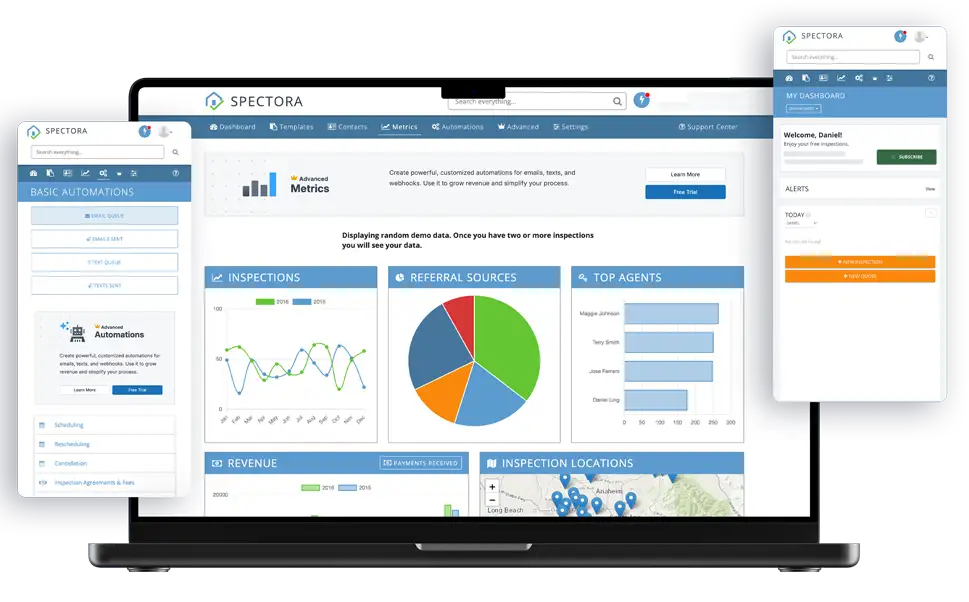
Manage your entire process from a single dashboard, without jumping between disconnected systems or worrying about tools breaking when they update. You can keep your entire workflow running smoothly—organized, connected, and easy to manage—whether you’re working solo or managing a team.
WINNER: Spectora

How other software stacks up
-
Some offer great report writers but no built-in scheduling.
-
Others handle admin tasks but require you to plug in a separate report-writing tool.
-
A few claim to be “all-in-one” but still rely on integrations or manual workarounds.
COMPARING SPECTORA:
Value for Money
Disconnected or ill-fitting tools can cost you more than you think, with monthly fees, duplicate data entry, and hours lost to patchwork workflows.
Some platforms look affordable upfront, but once you start adding the features you actually need—such as automation, scheduling, or client communication—the costs add up fast. Others require stitching together third-party tools, each with their own fees and logins.
Spectora keeps things simple
Everything from agreements to payments to follow-ups is included in one platform, with no surprise upcharges or hidden limitations. For first-time inspectors, growing businesses, and beyond, Spectora delivers the full tool kit from day one.
WINNER: Spectora

How other software stacks up
-
Some charge extra for automation, scheduling, or client communications.
-
Others require multiple third-party tools (and subscriptions) to fill gaps.
-
Many promote a low price but don’t include core business features in the base plan.
COMPARING SPECTORA:
Mobile and Desktop Flexibility
Your home inspection software should work wherever you do.
Some inspectors prefer to finish reports on-site. Others want to review everything later with more time and space.
Spectora supports both
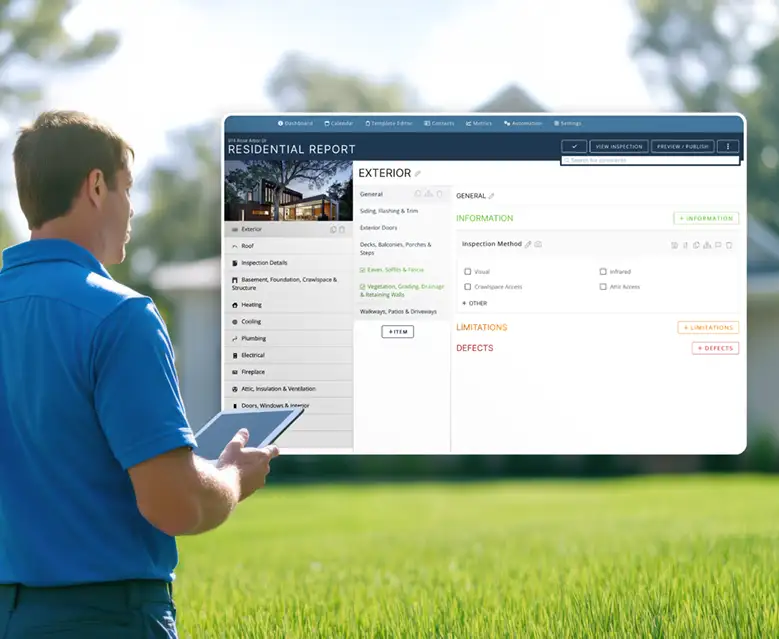
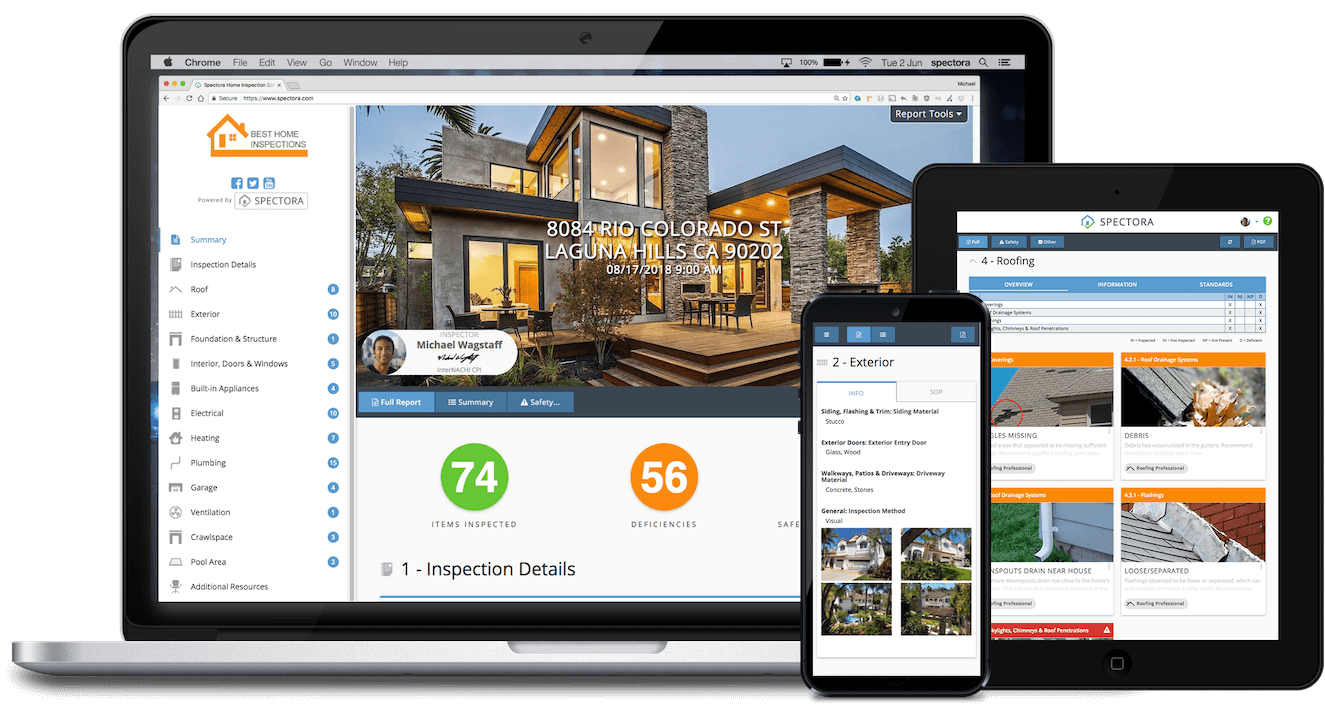
Spectora's mobile app and web editor are fully integrated, so you can capture notes, photos, and comments during the inspection, then polish and publish later—without ever duplicating work.
Work moves with you. Notes, photos, and comments carry over instantly between devices, so you’re never stuck reentering or reformatting.
WINNER: Spectora
How other software stacks up
-
Some lack support for some mobile platforms
-
Some lack support for a fast desktop option
-
Some require manual transfer of report files and photos between different types of devices
COMPARING SPECTORA:
Report-Writing Experience
Every inspection ends with a report, and that report shapes how clients and agents see your work.
Spectora helps you create reports that are clear, professional, and easy to understand. Clean formatting and intuitive tools keep the process efficient, whether you’re working in the field or at your desk.
WINNER: Spectora
How other software stacks up
-
Some programs make it hard to customize reports without sacrificing speed.
-
Others produce reports that look outdated or are difficult for clients to navigate.
-
A few offer deep customization, but come with a steep learning curve or clunky interfaces.
COMPARING SPECTORA:
Automation and Efficiency Tools
Writing reports is a critical part of the home inspection business, but it’s only one piece of the puzzle. Each day, you’re also sending reminders, managing paperwork, following up with clients, and keeping the whole process moving.
Spectora gives you back that time
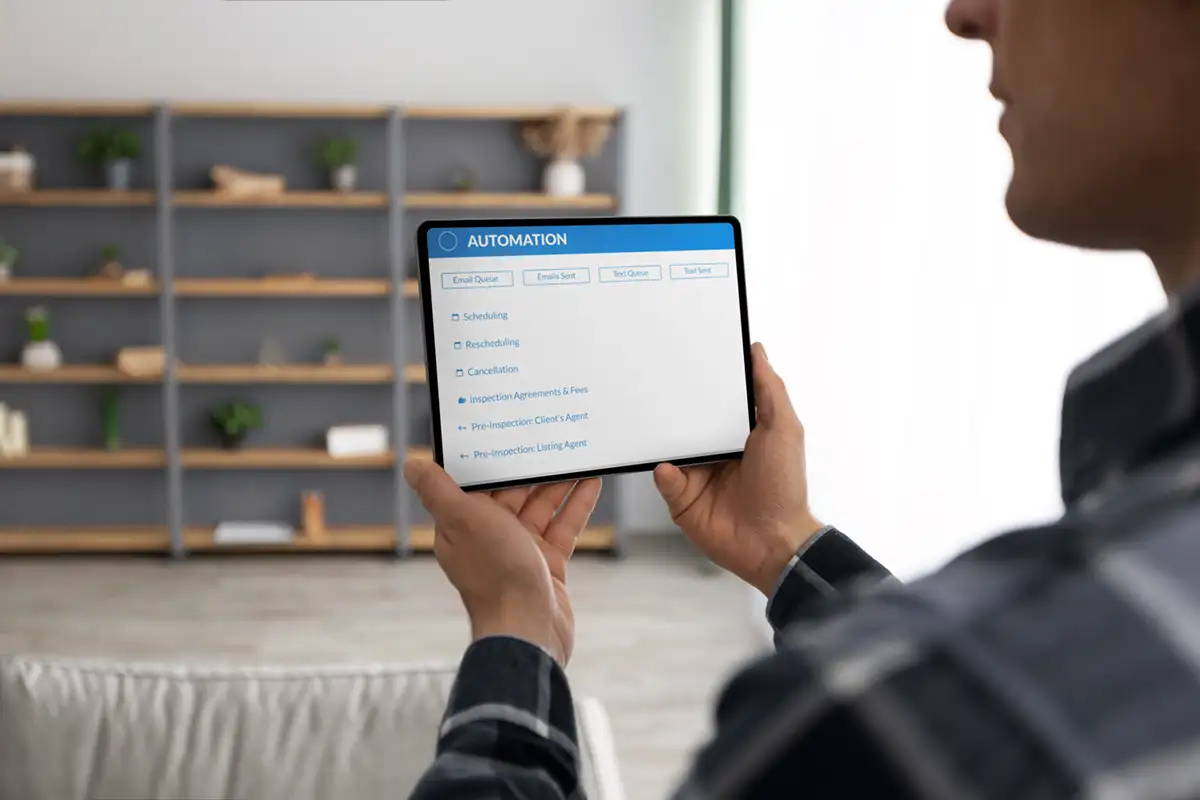
With built-in automation for emails, agreements, payments, and review requests, you can handle routine tasks without manual effort.
Follow-ups and upsells go out automatically. Client communications stay on track. And you spend less time behind a desk at the end of the day.
WINNER: Spectora
How other software stacks up
-
Some offer automation, but only at higher pricing tiers or through third-party integrations.
-
Others focus on reporting, but leave admin tasks to separate tools.
-
A few include basic automations, but lack flexibility or visibility into what’s happening.
COMPARING SPECTORA:
Business Management Tools
Staying on top of your inspections is one thing—keeping your entire business organized is another.
Spectora gives you the tools to do both.
With built-in scheduling, agreements, payments, client portals, and automated messaging, you can manage the full workflow in one place. There’s no need to juggle extra apps or worry about important details slipping through the cracks.
All the pieces are built to work together, so you spend less time on admin and more time running your business.
WINNER: Spectora

How other software stacks up
-
Some focus only on reporting and require separate systems for business operations.
-
Others include admin tools, but lack integration between features.
-
A few offer the basics, but miss key functionality like payments or client portals.
COMPARING SPECTORA:
Ease of Use
Good software should feel effortless to learn and easy to navigate.
Spectora is designed with user-friendliness in mind. Every part of the workflow—scheduling, reporting, follow-up—is designed to feel intuitive. The interface is clear and easy to navigate from the start, so you can focus on inspections instead of wrestling with the software.
You can start using Spectora confidently, with no steep learning curve or support tickets just to figure out the basics.
WINNER: Spectora

How other software stacks up
-
Some platforms offer powerful features but are difficult to learn or navigate.
-
Others feel outdated or cluttered, making everyday tasks harder than they should be.
-
A few require workarounds or manual processes that slow you down over time.
COMPARING SPECTORA:
Support & Training
Even with intuitive software, sometimes you need support.
Maybe it’s your first time setting up a team. Maybe you’re integrating your calendar or hitting a snag on mobile. Whatever it is, Spectora’s support team is ready with real answers from people who understand the entire platform.
And if you’re new to Spectora, you’ll have access to personalized onboarding, live trainings, and a knowledge base that actually makes sense—so you’re never stuck figuring things out on your own.
WINNER: Spectora
How other software stacks up
-
Some split support between products, which slows things down when workflows overlap.
-
Others only cover part of the experience, such as reporting, but not scheduling or automation.
-
A few expect you to learn everything through forums or outdated help docs.
COMPARING SPECTORA:
Scalability
Some tools work fine when you’re solo, but fall apart as soon as you try to grow.
Spectora supports your business at every stage. With features such as team reporting, shared calendars, admin controls, and automated workflows, it’s easy to manage more inspections, more inspectors, and more moving parts—without adding friction.

As a result, you stay in control, your process remains consistent, and your software keeps pace as things get busier.
WINNER: Spectora

How other software stacks up
-
Some are designed only for solo use and lack the tools to support team growth.
-
Others require duct-taped systems to manage multiple inspectors or back-office staff.
-
A few offer multi-user access but fall short on consistency or oversight features.
COMPARING SPECTORA:
Simplify Your Entire Home Inspection Workflow with Spectora

When you compare the features that are actually built in—and how well they all work together—the differences are hard to ignore.
Spectora gives you the tools to run a more efficient, professional, and scalable inspection business— minus the learning curve or technical headaches

Ready to see how it works?